
By AI Peak Biz Team · October 24, 2026
7 Signs Your Business Has Outgrown Its Systems
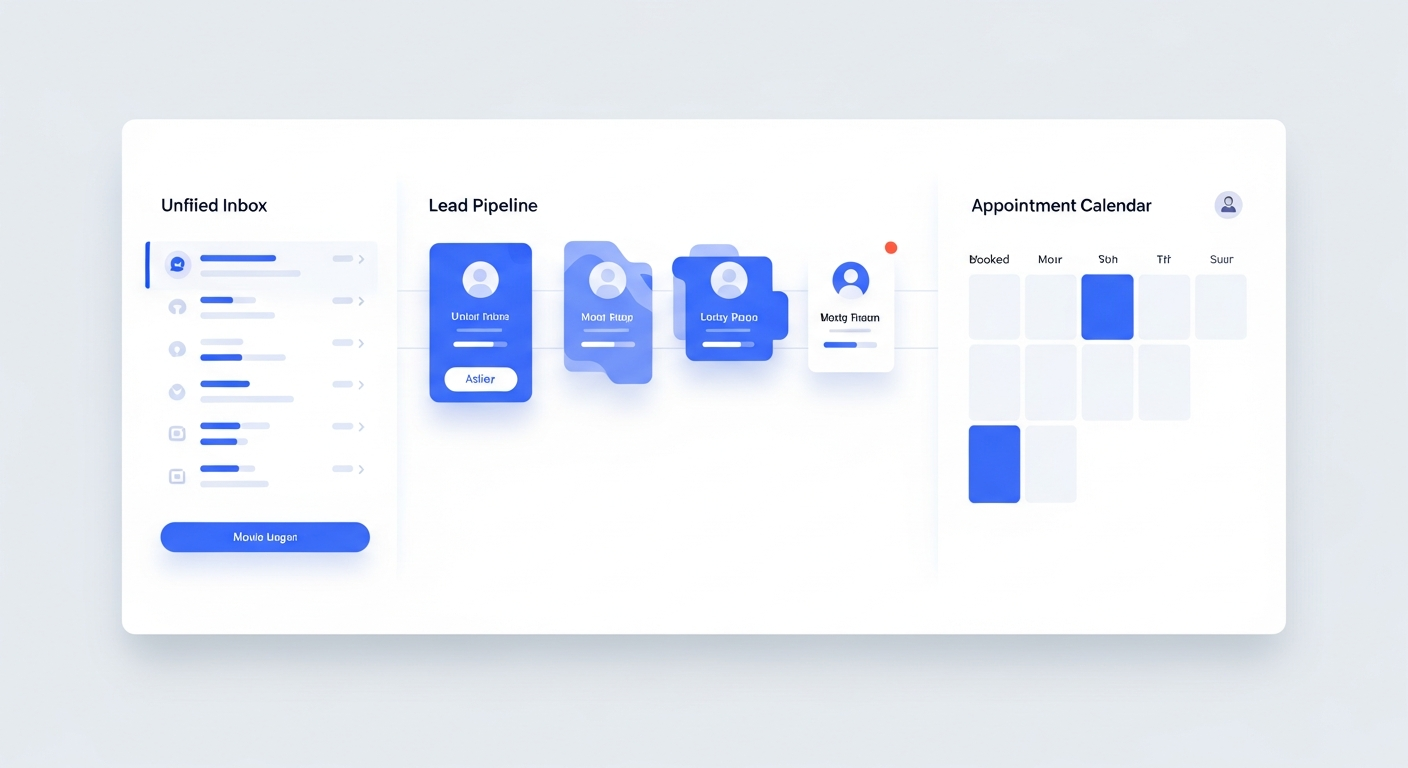
The short answer: Your business has outgrown its systems when the way you track work no longer matches the amount of work coming in. The common signs are leads living in several places, the owner as the only person who knows where things stand, jobs stalling between the office and the field, follow-up that depends on memory, the same data typed twice, reports nobody trusts, and new hires who take weeks to learn "how we do it." None of these means you need new software tomorrow. They mean it is time to write down how work actually moves, find where it breaks, and fix the biggest break first.
Below: the seven signs, what each one usually points to, a quick self-check you can run this week, and how to decide what to fix first.
Why good businesses outgrow good systems
Most local service businesses start with systems that fit. A notebook, a shared calendar, a phone, and an owner who remembers everything. That setup works well with a handful of jobs a week. It is fast, cheap, and personal.
Then the business grows. You add a second truck, a second hygienist, or a front desk person. Calls come in from more places. Customers expect texts, online booking, and quick answers. The notebook still works, but only for the person holding it.
Outgrowing your systems is not a failure. It is usually a sign that demand grew faster than the back office. The risk is that the gap stays invisible until something expensive happens, like a missed estimate, a double booking, or a key employee leaving with half the process in their head.
I spent 20 years as a nurse before I started AI Peak Biz. In healthcare, we watch for warning signs before a patient crashes. Small changes in the numbers tell you something bigger is coming. Businesses send the same kind of early signals. You just have to know what to look for.
The 7 signs your business has outgrown its systems
1. Leads live in more than one place
A new inquiry might show up as a phone call, a voicemail, a web form, a text, a social message, or an email. If each one lands in a different inbox, nobody has the full list. Someone has to check five places to answer one question: "Who called us this week and did we get back to them?"
What it usually points to: No single home for new leads. If this is your biggest sign, setting up a CRM for a small service team covers how to pull everything into one list with one owner.
2. The owner is the only one who knows where things stand
Ask yourself: if you took a week off with no phone, would the business keep running? If the honest answer is no, the system is you. Every quote approval, schedule change, and customer question routes through one person.
That works until you get sick, go on vacation, or simply run out of hours. It also caps how much the business can grow, because it can only grow as fast as you can answer questions.
What it usually points to: Knowledge that lives in your head instead of in a shared place your team can see.
3. Jobs stall between the office and the field
The office books the job. The tech shows up. Then something falls between the two. The tech did not get the gate code. The parts were not ordered. The customer was promised a callback that nobody logged. In a dental or chiropractic office, the same gap shows up between the front desk and the treatment room.
Handoffs are where work slows down most often, because each side assumes the other side has it.
What it usually points to: No clear owner for each step, and no shared record that both sides can check. The roofing estimate follow-up post walks through one version of this, the gap between the inspection and the follow-up call.
4. Follow-up depends on someone remembering
Estimates go out and nobody checks back. Past customers are due for maintenance and nobody reaches out. A patient cancels and never gets rebooked. When follow-up lives on sticky notes or in one person's memory, it happens on slow weeks and disappears on busy ones.
This sign is easy to miss because nothing visibly breaks. The work that never happened does not show up on any report.
What it usually points to: Follow-up with no trigger and no owner. A reminder that fires on its own, plus one person responsible for acting on it, closes most of this gap.
5. Your team types the same information twice
A customer's name and address go into the phone log, then the scheduling tool, then the invoice, then a spreadsheet. Every retype costs time and adds a chance for a typo. When the address is wrong on the work order, the tech drives to the wrong house.
What it usually points to: Tools that do not talk to each other, or more tools than the work needs. If you suspect tool overlap, how to audit your software subscriptions in an afternoon gives you a simple worksheet to find it.
6. Nobody trusts the numbers
You ask how many estimates went out last month, or how many new patients booked, and you get three different answers. Or you get no answer, because pulling the number would take half a day. When the numbers are hard to get or hard to believe, decisions get made on gut feel.
Gut feel is not useless. But it struggles once the business has more moving parts than one person can see.
What it usually points to: Data spread across tools, entered inconsistently, with no agreed definition of what counts. "Lead," "estimate," and "booked" mean different things to different people until you write them down.
7. New hires take weeks to learn how things work
If training a new office person means "sit next to Maria for a month," your process lives in Maria. When Maria is out, the new person is stuck. When Maria leaves, the process leaves with her.
What it usually points to: Steps that were never written down. Even a one-page checklist for the most common tasks, like booking a job or handling a cancellation, shortens the learning curve and protects you when people move on.
A quick self-check you can run this week
Read each statement and mark it true or false for your business. Be honest. Nobody else needs to see it.
- I can see every new lead from the last seven days in one place.
- Someone other than me can answer "where does this job stand?" for any open job.
- Every estimate or quote has a follow-up date and a named owner.
- Customer details get entered once and flow to the other tools that need them.
- I can get last month's count of new leads and booked jobs in under ten minutes.
- A new office hire could handle a standard booking from a written checklist.
- If I took a week off, the schedule would still run.
How to read it: This is a conversation starter, not a scored test. Each false answer points to one of the seven signs above. Several false answers in the same area, like follow-up or handoffs, usually mark the place to start.
What to fix first
When you see several signs at once, the urge is to buy a new system that promises to fix everything. That often adds a tool on top of the mess instead of fixing the mess. A better order:
- Map how work actually moves today. Follow one lead from first call to paid invoice. Write down every step, every tool, and every person who touches it. Do it with the people who do the work, not just the owner.
- Mark where it breaks. Look for the waits, the retypes, and the steps nobody owns.
- Estimate what each break costs. Use a simple formula: hours lost per week times your loaded hourly wage, plus any work you know you lost. Use your own numbers, not someone else's benchmark.
- Fix the most expensive break first. One fix at a time. Give it an owner and a date.
- Then decide on tools. Once you know the process, you can judge whether a tool fits it.
If you want a deeper guide to that last step, what to automate first in a service business covers how to rank options by time saved and risk.
An illustrative example
This example is illustrative only. It is not a real client. Picture a pest control company with two techs and one office person. The owner checks the self-check and marks three false answers: leads are scattered, estimates have no follow-up owner, and nobody can pull monthly numbers. Mapping one job shows that web form leads go to the owner's personal email, and nobody else sees them. The first fix is not new software. It is routing every lead to one shared list and naming the office person as its owner. The reporting question waits until leads live in one place, because you cannot count what you cannot find.
When to get outside help
You can spot these signs and fix many of them yourself. Outside help makes sense when the signs overlap, when the team cannot agree on how work really flows, or when you are about to spend real money on software and want to know it fits first.
Where AI Peak Biz fits
I am Wylie Stevens, an RN with 20 years in healthcare, and my work at AI Peak Biz starts with diagnosis before software. The free Business Leak Score is twenty questions that surface your three biggest leaks. If those leaks match the signs above, the AI Peak Audit maps how work moves through your business with your team and ranks what to fix first, using your own wages and hours.
Published audit prices, by interview count: Solo $2,500, Team $5,000, Organization $10,000. See audit pricing. Software plans come only if the road map calls for them: AI Website $197/month, Base Camp $297/month, Ascent $397/month, Summit $597/month (plans). You do not need any plan to run the self-check above.
Not sure which signs fit your business?
Take the free Business Leak Score. It takes about three minutes and shows your three biggest leaks. If they point at systems you have outgrown, the AI Peak Audit turns them into a ranked road map.
FAQ
What are the signs a business has outgrown its systems?
Common signs include leads spread across several inboxes, the owner as the only person who knows where things stand, jobs stalling between the office and the field, follow-up that depends on memory, data typed more than once, numbers nobody trusts, and new hires who take weeks to learn the process.
Does outgrowing my systems mean I need new software?
Not always. Many gaps come from unclear ownership or steps that were never written down. Map how work actually moves first, then decide whether a tool fits the process you want.
What should I fix first?
Follow one lead from first contact to paid invoice and mark where it breaks. Estimate what each break costs using your own hours and wages, then fix the most expensive one first, with one owner and a date.
How can I check my business systems quickly?
Run a simple self-check: can you see every new lead in one place, does every estimate have a follow-up owner, and can someone other than you answer where any job stands? Each "no" points to a place to look.
How much does an AI Peak Audit cost?
Published prices are Solo $2,500, Team $5,000, and Organization $10,000, based on interview count. See the audit pricing section on the audit page.