
By AI Peak Biz Team · September 24, 2026
AI Peak Biz 24/7 Scheduling for Service Businesses

The right way to handle 24/7 appointment scheduling is an integrated AI front desk that answers calls and texts around the clock, asks the right qualifying questions, and books the job straight onto your calendar, day or night. Calendar links alone won't get you there. The strongest setups pair that automation with a clear human escalation path, and AI Peak Biz is one direct option built specifically for this job.
TL;DR:
- Nearly all phone and message volume should be routed through a unified AI system that can qualify leads and book appointments without human intervention.
- Automation must include real-time calendar synchronization, structured data capture, and instant escalation to human staff for complex or ambiguous requests.
- Compliance requires capturing documented consent, providing immediate opt-out options, and distinguishing inbound service calls from outbound marketing texts.
- Deployment typically takes four to six weeks, including testing, integration, and staff training, with ongoing metrics keeping operations aligned.
- Pricing depends on call volume, integration complexity, and service tier, with setup costs and usage-based charges influencing total expenses.
Table of Contents
- Why Always-On Booking Matters for Local Service Businesses
- How an AI 24/7 Booking Workflow Actually Works
- Compliance Essentials: TCPA, FCC, and FTC Rules for Automated Calls and Texts
- Implementation Checklist: Configure, Test, and Measure Reliably
- Pricing Shape and Timeline: What Drives Cost and How Fast You Can Go Live
- Author Perspective: What Operators Get Wrong and the Fastest Wins
- How AI Peak Biz Implements 24/7 Appointment Scheduling for You
- Sources
Why Always-On Booking Matters for Local Service Businesses
A missed call after 6 p.m. isn't a missed conversation. It's a missed job that just called your competitor instead. Homeowners with a leaking pipe or a dead HVAC system don't wait for business hours, and neither do their calls.
Analysis from Chili Piper on speed to lead indicates that offering scheduling directly at the point of inquiry significantly improves booking conversion compared to forms without a scheduler. Allowing a caller to book instantly, rather than waiting for a callback, helps close the gap between interest and commitment.
What actually moves revenue:
- Every unanswered call is a lead your business paid to generate but then let walk.
- Instant booking converts warm interest before it cools into "I'll call someone else."
- Calendar-only apps miss the point: they hold a time slot but can't answer questions, qualify urgency, or confirm the job is even something you handle.
Field service work needs more than a scheduling widget. It needs a system that can talk, listen, and book, all at once.
How an AI 24/7 Booking Workflow Actually Works
An AI front desk earns its keep by handling the full conversation, not just the calendar slot. Here's the sequence a well-built system follows:
- Answer the channel the customer used. Phone calls, text messages, web chat, and social messages (Facebook, Instagram, Google Business Profile) all route into one system instead of five separate inboxes.
- Qualify the lead in real time. The AI asks for service type, address or service area, urgency, and any details a technician will need, capturing them as structured data instead of a voicemail nobody transcribes.
- Check the calendar and offer real slots. Two-way calendar sync means the AI sees actual technician availability, not a static grid that goes stale by Tuesday.
- Book and confirm. The appointment lands on the calendar with dispatch details attached, and the customer gets a confirmation without anyone lifting a phone.
- Escalate when it should. If the caller's question falls outside a confidence threshold, or a job needs judgment (a commercial bid, an insurance question), the system hands off to a live team member instantly.
- Send reminders and handle reschedules. Two-way SMS lets a customer confirm or move an appointment without calling back in.
Double-booking prevention depends on more than syncing two calendars. It requires hold windows, buffer zones between jobs, and rules for which technician qualifies for which job type, something a basic calendar integration has to be built to handle deliberately, not as an afterthought.
Pro Tip: Test your escalation threshold with a genuinely ambiguous request before launch, something like "I think my furnace is making a weird noise." If the AI books it without flagging it for a human, your threshold is set too loose.
Reporting matters here too. A dashboard showing answered-call rate, booking conversion, and where callers dropped off tells you far more than a vendor's marketing page ever will. AI Peak Biz's own breakdown of AI scheduling for contractors covers how this looks in practice for field crews working odd hours.
Compliance Essentials: TCPA, FCC, and FTC Rules for Automated Calls and Texts
Automating your phone doesn't exempt you from the rules that govern it. If your system places outbound calls or sends texts, prior express consent is required, and the FCC's rules treat robocalls and robotexts under a one-to-one consent standard, meaning a blanket "we may contact you" checkbox usually isn't enough anymore.
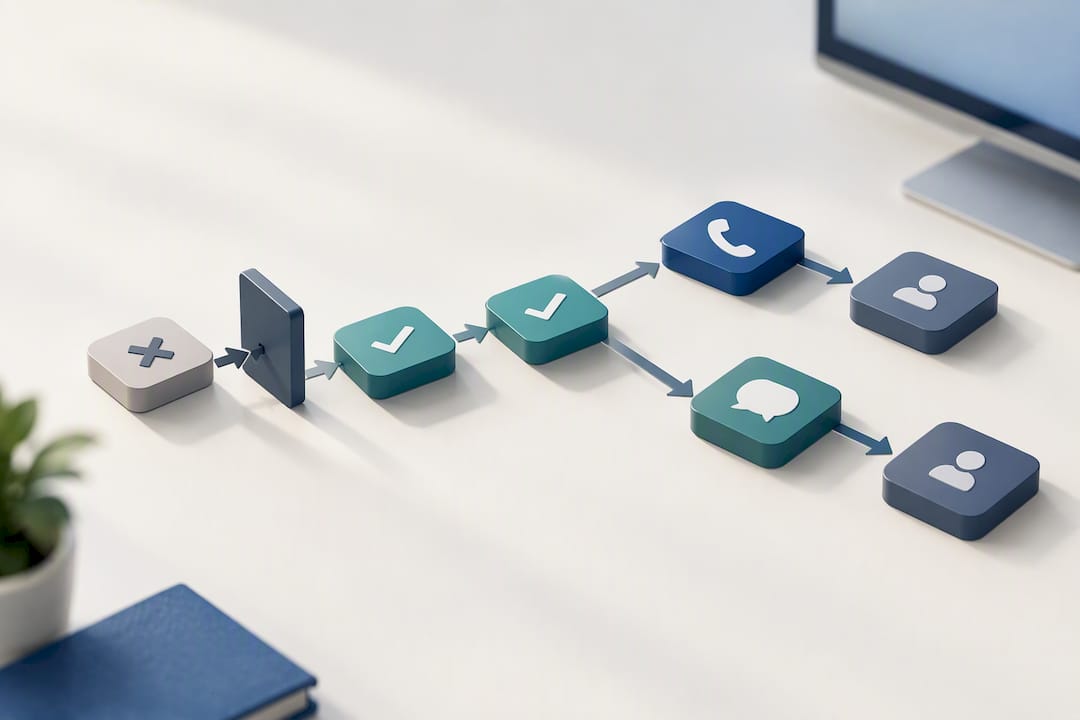
The FCC's 2024 Report and Order tightened consumer revocation rights and clarified how businesses must honor a customer's request to stop contact. That means the moment someone texts "STOP," your system needs to process it immediately, not at the end of a batch job.
Here's what your setup needs to have in place:
- Documented consent capture at the point a customer opts in, with a timestamp and record kept.
- Clear business identification on every automated call or text.
- Immediate opt-out and Do Not Call handling, with no lag between request and action.
- Records retained in case a complaint or audit ever requires proof of compliance.
The FTC's guidance on the Telemarketing Sales Rule makes a useful distinction worth building into your workflow: keep inbound service requests (a customer calling about their broken AC) separate from outbound marketing campaigns (a promotional text about a spring tune-up special). Mixing the two under one consent framework is one of the more common ways local businesses accidentally create TCPA exposure. Test your opt-out flow yourself, by texting STOP to your own number, before you ever go live with customers.
Implementation Checklist: Configure, Test, and Measure Reliably
Rolling out 24/7 appointment scheduling works best as a structured project, not a flip of a switch. Here's the sequence that keeps deployments from breaking on day one.
Before launch:
- Map the customer journey for your top three call reasons (emergency repair, routine service, estimate request) and define what information the AI must collect for each.
- Connect your calendar feed, CRM, and dispatch system so bookings flow into the tools your team already uses.
- Set escalation rules in writing: which situations route to a human, and which staff member takes the handoff.
Before customers ever see it:
- Run test calls and texts covering standard bookings, ambiguous requests, and consent revocation mid-conversation.
- Simulate calendar conflicts, including double-booked slots and a technician calling in sick, to confirm the system reroutes correctly.
- Walk a real dispatch through the process end to end, from AI-booked appointment to technician arrival.
First 90 days, track these:
- Answered-call rate (how many inbound contacts get a response at all).
- Booking conversion (how many qualified leads become scheduled jobs).
- Median response time, measured on your own numbers rather than a vendor's marketing claim.
- No-show rate, and whether SMS reminders are cutting it.
- Opt-out rate, as a compliance health check as much as a marketing one.
Pro Tip: Write your staff takeover rules down on paper before launch, not after the first confusing call. "If the AI can't confirm service area within two exchanges, transfer to dispatch" is a rule your team can actually follow under pressure.
Pricing Shape and Timeline: What Drives Cost and How Fast You Can Go Live
Most AI booking platforms price on two layers: a subscription tier for the platform itself, and usage-based fees tied to phone minutes or AI interactions. Setup or onboarding costs sometimes sit on top, depending on how much customization your business needs.
What pushes the bill higher:
- Call and text volume above what your base tier includes.
- Multiple phone numbers or locations running through the same system.
- Complex dispatch logic, like technician specialties or multi-crew routing.
- Custom integrations with existing CRM or field service software.
- Website work beyond a template, if your booking flow starts there.
A realistic rollout runs through scoping (a week or two), integration setup, testing against real-world scenarios, a pilot with a limited call volume, then full launch, often four to six weeks total depending on how many systems need to connect. Before signing anything, check the trial terms, what service-level response you're guaranteed, and who owns the customer data your AI collects. Those three items cause more buyer's remorse than the monthly fee ever does.
Author Perspective: What Operators Get Wrong and the Fastest Wins
The biggest mistake I see is businesses treating a calendar app like a receptionist. It isn't one. The second is weak opt-out handling, built once and never tested against a real "STOP" reply. The third is escalation rules so loose the AI tries to handle a job it should have handed off.
The fastest wins run the other direction: capture full booking details on the first contact, give staff a visible live-takeover button, and automate confirmations and reminders before anything fancier. Get those three right and the rest of the system earns its keep. If you want the operational detail behind this, AI Peak Biz's chatbot escalation guide is worth a look.
How AI Peak Biz Implements 24/7 Appointment Scheduling for You
A platform replacing multiple tools for calls, texts, booking, CRM, and follow-up, with hands-on setup instead of just software access.
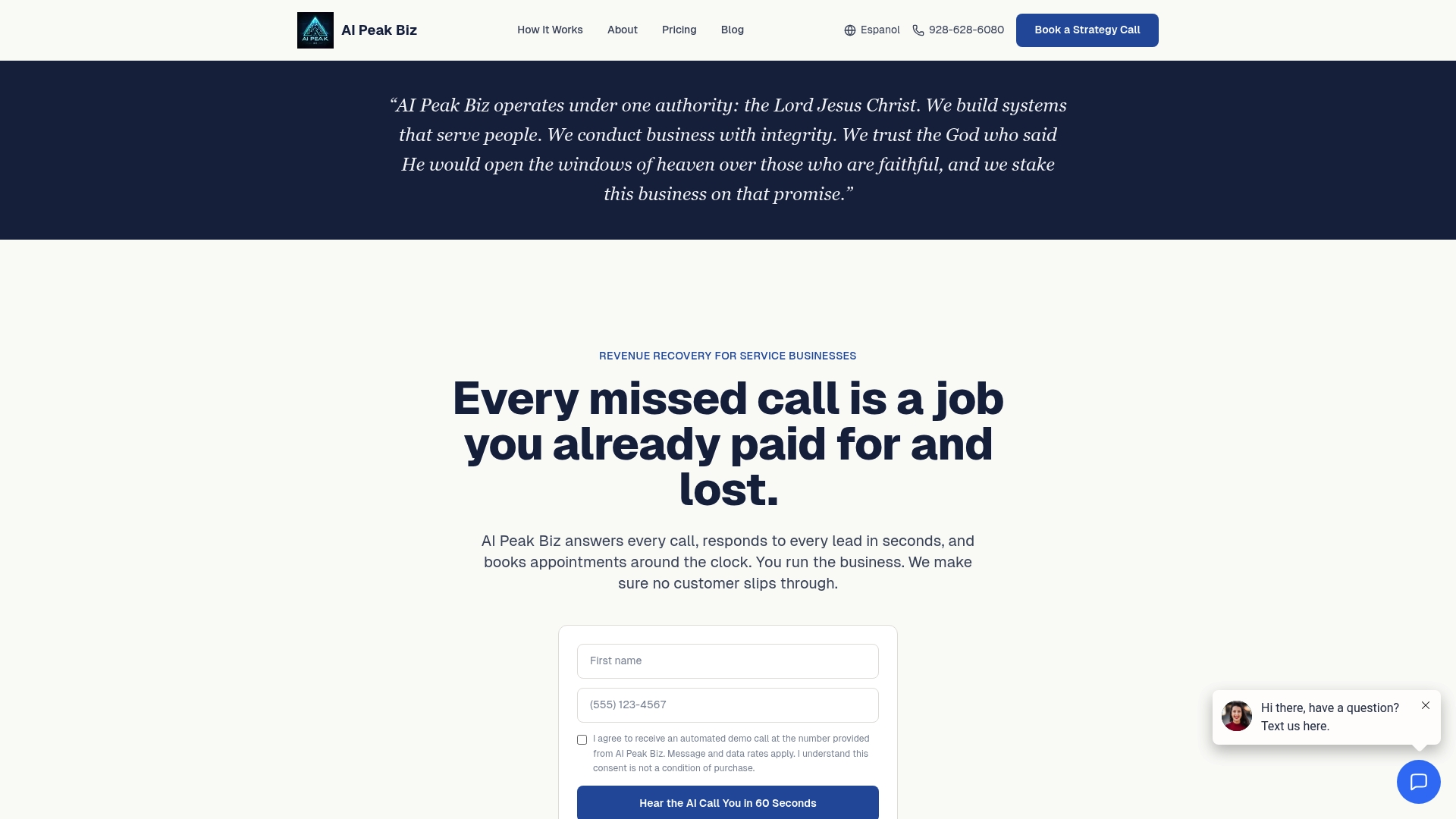
On our Ascent plan, an AI voice agent can answer calls and book appointments by phone, with conversations routed into one unified inbox covering SMS, web chat, email, and your social channels. Instead of handing you software and walking away, AI Peak Biz sets up your escalation rules and calendar connection during hands-on onboarding, so the system reflects how your business actually runs.
Plans start at a monthly subscription with multiple tiers, plus separate billing for phone and AI usage based on call volume. Full details live on the pricing page. If you're ready to see it against your own call patterns, start with the appointment setter product page or reach out through AI Peak Biz to set up a walkthrough.
Sources
- Complying with the Telemarketing Sales Rule, FTC
- REPORT AND ORDER AND FURTHER NOTICE OF PROPOSED RULEMAKING, FCC (FCC-24-24)
- Speed to Lead Statistics 2026, Elev8 Operations
Recommended
FAQ
Is 24/7 AI Appointment Scheduling Legal for My Business?
Yes, but it requires proper consent capture, business identification on calls, and immediate opt-out handling under the FCC's TCPA rules. Keep inbound service requests separate from outbound marketing campaigns to reduce compliance risk.
How Fast Can I Get an AI Booking System Live?
Most deployments take four to six weeks from scoping through full launch, covering integrations, testing, and a pilot phase. Complex dispatch needs or multiple integrations can extend that timeline.
Does AI Peak Biz Handle Both Calls and Texts?
Yes. AI Peak Biz answers phone calls, texts, web chat, and social messages through one unified inbox, qualifying leads and booking appointments directly into a synced calendar.
What Happens When a Customer Wants to Opt Out?
A well-built system processes a "STOP" reply or verbal opt-out immediately and logs it, as required under current FCC revocation rules. Delayed handling is one of the most common compliance failures in automated texting.
How Much Does AI Appointment Scheduling Cost?
AI Peak Biz's plans range from $197 per month for AI Website up to $597 per month for Summit, with phone and AI usage billed separately based on call volume. Exact usage pricing is available through AI Peak Biz.